

Customer Services
WDS is committed to offering all of its customers the best possible service before, during and after a purchase. All WDS employees are well trained in the entire product range and can help you place an order, recommend alternatives, check stock and advise on availability as well as quoting the best possible product prices and delivery options. For more technical queries, they can direct you to our technical engineers who can support you with detailed product information or bespoke product designs.
Here to help
WDS Components International Customer Service Centre is our own one stop customer contact centre, we offer our customers many ways to contact us, website, email, webchat, Facebook, and the good old-fashioned phone. Our team have almost 150 years’ experience in components, spare parts, and machine accessories, who are trained to help our customers. Our experienced sales and engineers can offer advice and ensure you get the right components for any industry you may working in.
WDS Components engage with all our customers, we provide customers with a single point of contact, supported by our large warehouse and in house production facility. Our customers benefit from having access to over 55,00 sku's and a modern manufacturing facility. WDS Components are pround members of Made in Britain.
The most popular methods of contact are: online, chat, social media (Facebook and Linkedin), phone calls and of course email. Please note we route all customer communications through our customer relationship system, which connects our customers to the right colleague to help. If you are provided with a ticket number please quote this in all communications. You can login to our help desk for more FAQ's and support.

WDS Online
The WDS Components website allows our customers to login, order and receive quotes. Customers can also order and pay on agreed account terms.
Once logged in you can make changes to your account, set up users within your company, view invoices, past orders and even load your item numbers to our products.
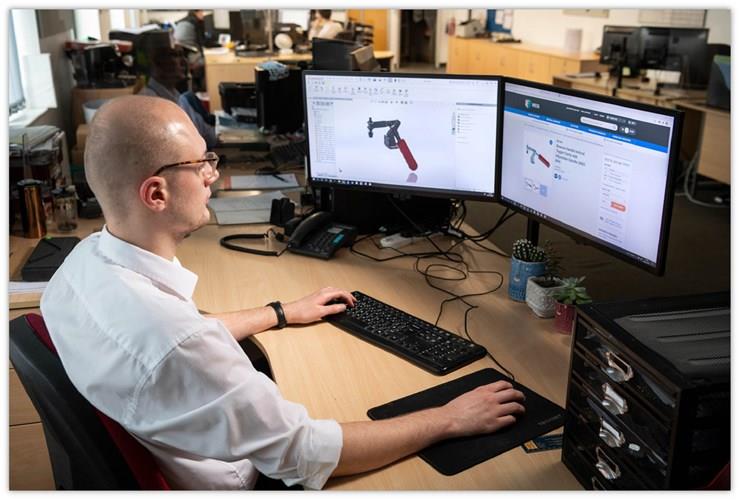
Our website is designed to provide you with our full range of products, CAD drawings, technical specifications, related products, alternative products, 3D drawings, pictures and videos along with our latest news items and much more.
The site is mobile friendly and will adapt to the device you are viewing the site with. Please note this might give you give a different experience when shopping on mobile devices and images and information may be presented differently.
WDS Environment Quality
Our sustainability taskforce aim "To influence WDS Components in its endeavours to use less of the earth’s valuable resources in an effort to reduce the harmful effects of climate change by becoming more sustainable in order to improve the health and wellbeing of our colleagues, wider society and future generations.”
WDS Components is dedicated to improving our environmental credentials.
Our current targets are:
Reduction in the use of electricity (13.5% over 5 years)
Measure electricity usage and report each month with a reduction target of 1.5% for 2021-2022 financial year
Reduction of 3% within 2022-2023 financial year
Reduction of 3% for each year thereafter for 3 years
Reduction in the use of gas (13.5% over 5 years)
Measure gas usage and report each month with a reduction target of 1.5% for 2021-2022 financial year
Reduction of 3% within 2022-2023 financial year
Reduction of 3% for each year thereafter for 3 years
Reduction in the amount of waste going to landfill (15% over 5 years)
Measure volumes between now and 2021-2022 FYE to establish a baseline figure
Begin in 2022-2023 FY with a target of 3.75% per year over 4 years
Increase current recycling volumes (15% over 5 years)
Measure volumes between now and 2021-2022 FYE to establish a baseline figure
Begin in 2022-2023 FY with a target of 3.75% per year over 4 years

- Login with your old WDS account.
- Download 3D/2D Models.
- Open a trade account.
- Read our Conditions of Sale.
- Read our Copyright Notice.
- Read our terms for UPS Services.
- Read our terms for Royal Mail Services.
- Find out more about Same Day Despatch.
- Find out more about Stock Guaranteed.
- Find out how to identify products in stock.
- Items under guarantee may change.
- Free Click and collect service.
- Card payments accepted.
- Place an order on telephone or online.
- Read our Trustpilot reviews.
- Share your experiences with WDS.
- Improve customers’ journey.
- Read more about the payment policy.
- WDS Authorisations and payments.
- Information on VAT.
- WDS Returns Information.
- WDS Refunds Information.
- Read about made to order goods.
-
Easy To Use Tables.
-
Intuitive Product Groupings.
-
Order or download the catalogue.